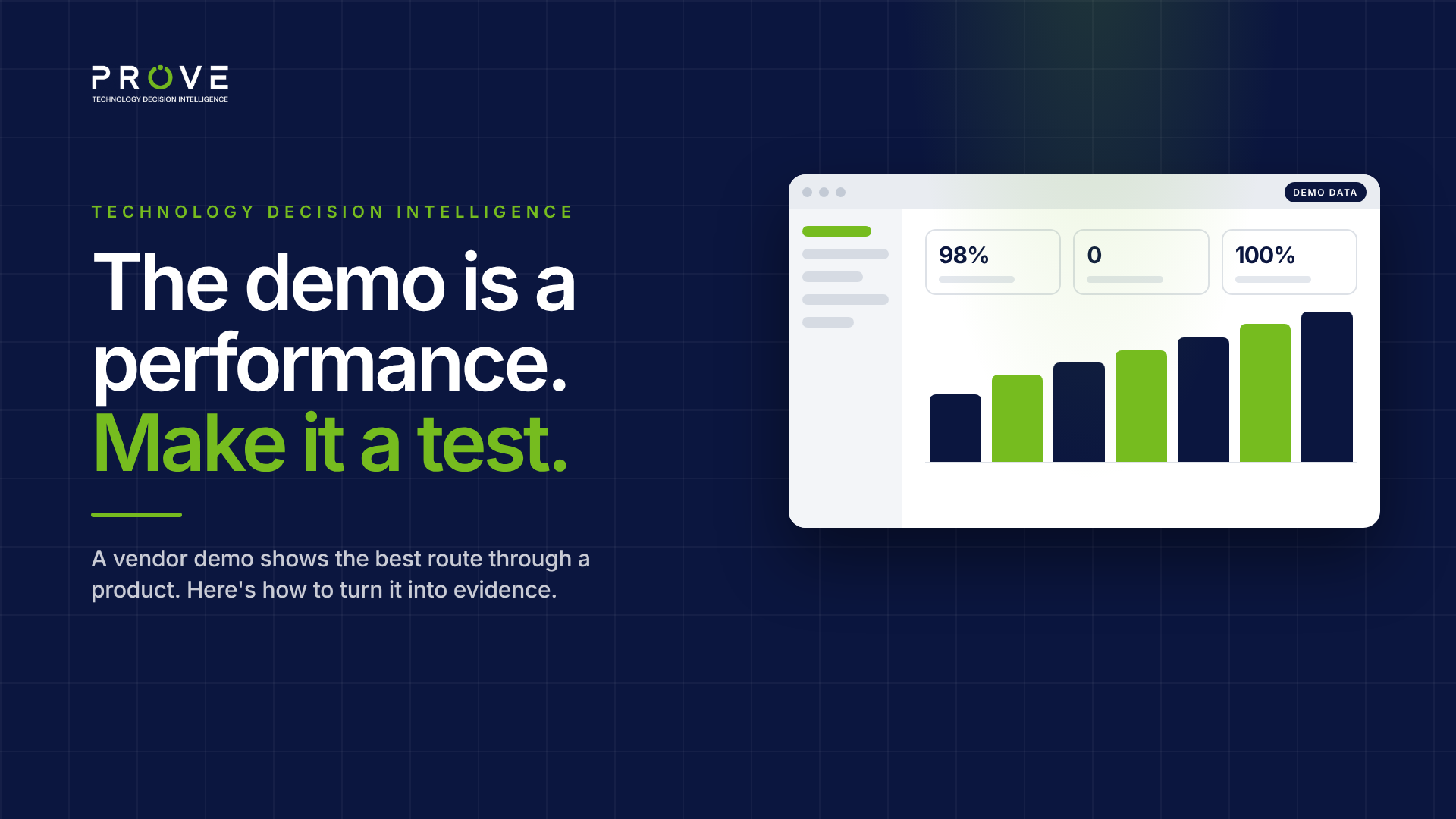
The demo went perfectly. Of course it did.
The presenter has run it dozens of times. The data is clean, the configuration is ready, and every click lands exactly where it should. Dashboards fill up, work orders route themselves and the floor plan lights up in all the right colours. Around the table, people nod.
Then the contract is signed, and your own data arrives. Your floor plans, your asset register, your exceptions, your integrations. And the product that looked effortless on screen starts to look like a project.
Nobody lied in that demo. It just answered a different question from the one you needed answered.
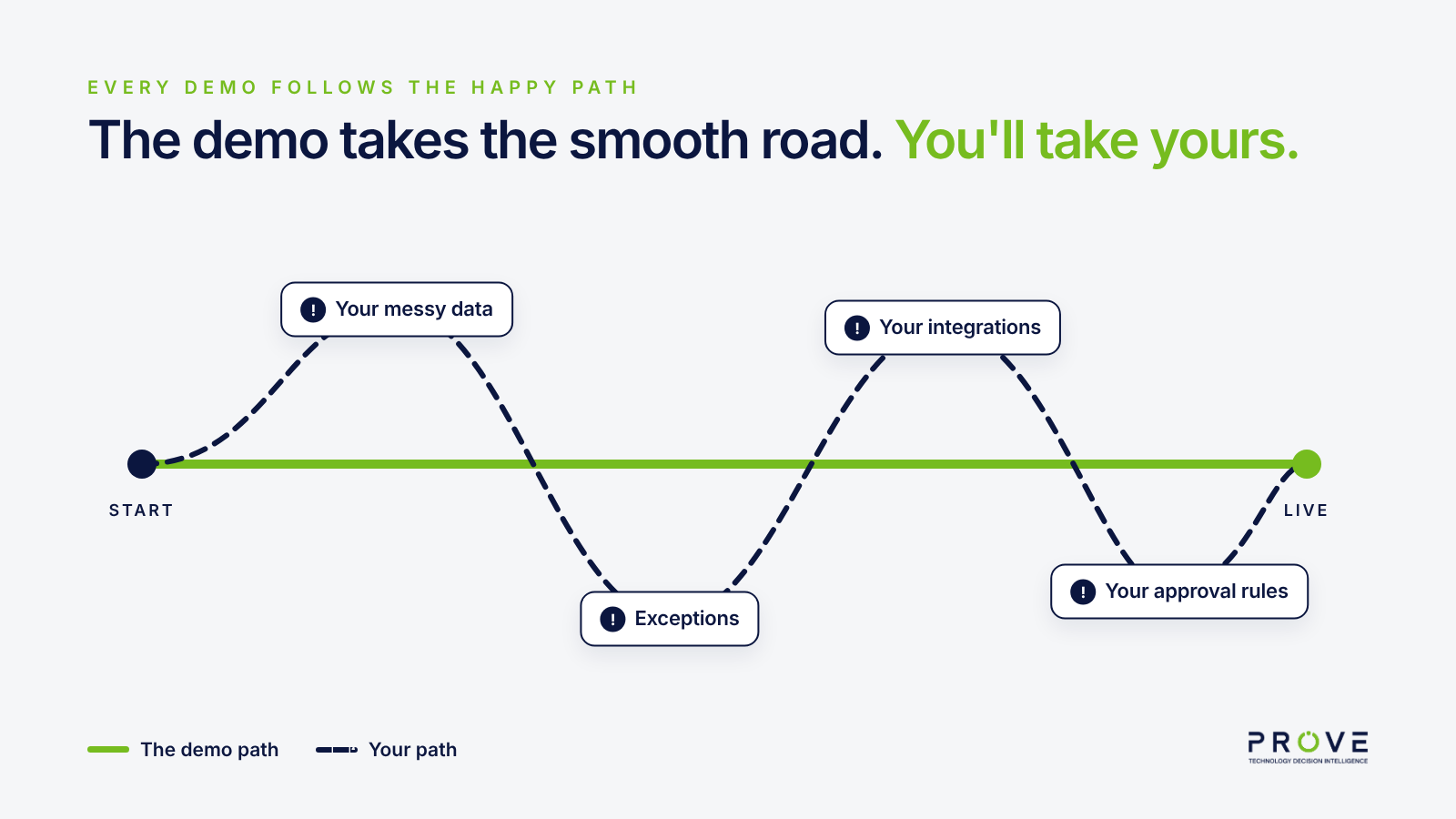
Every demo follows the happy path
A vendor demo is designed to show a product at its best, and that's reasonable. No vendor will open with the workflow that needs three workarounds.
So a demo follows the happy path: the route through the product that works smoothly, on data built to make it shine, by a presenter who knows exactly where not to click.
Your organisation won't follow that path. It will follow your path, with your data, your exceptions and your systems around it. The demo rarely goes there, unless you ask it to.
What a demo proves, and what it doesn't
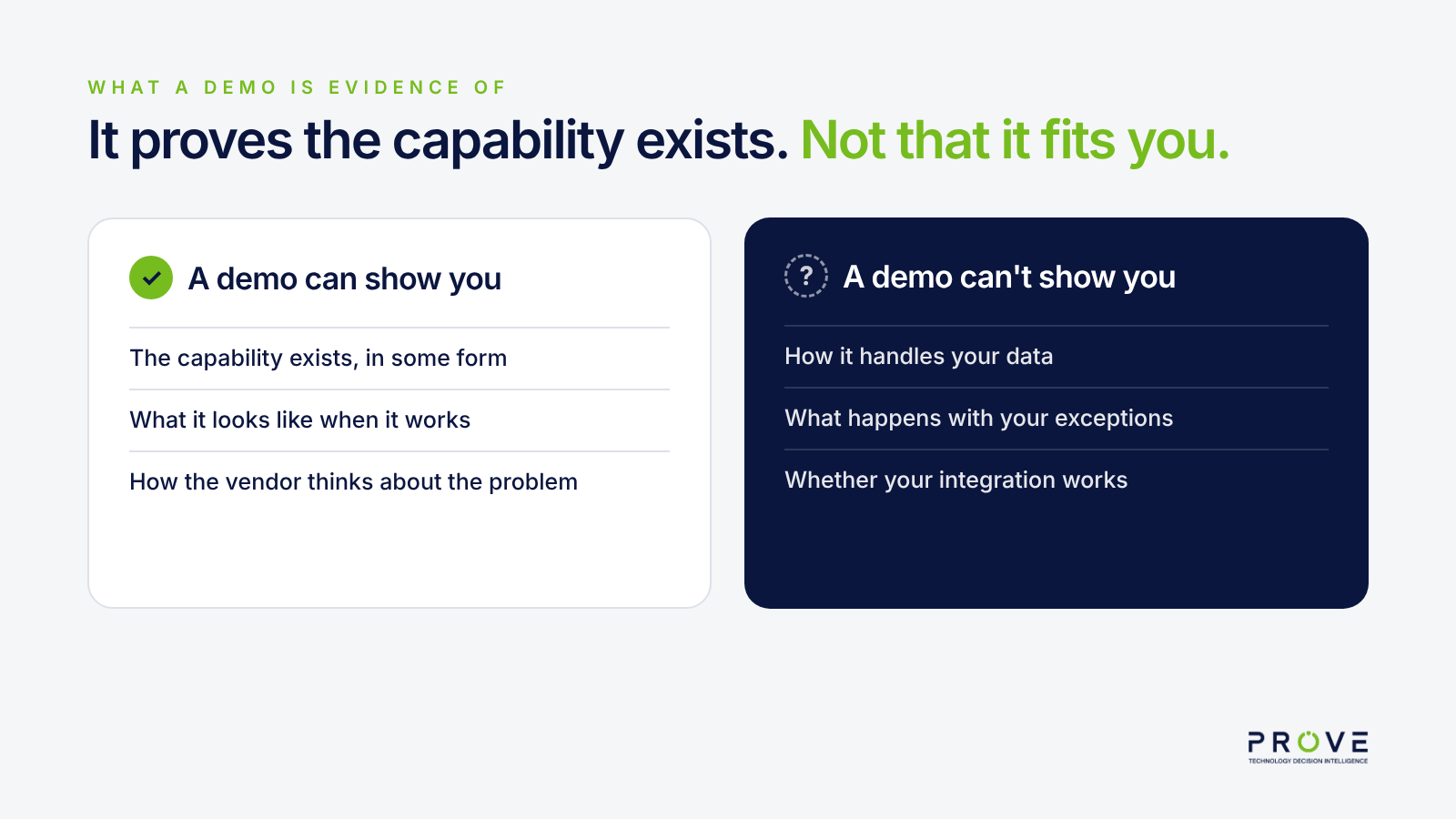
A good demo proves something real: the capability exists, in some form, and you can see what it looks like when it works.
What it doesn't prove is whether it works for you. A demo on prepared data doesn't show how the product handles your asset register. A demo of a standard workflow doesn't show your approval rules. A demo of "the integration" doesn't show your integration.
Three ways a demo misleads without lying
Curated data. Demo environments are built to look good. Clean hierarchies, complete records, no duplicates. Real data rarely looks like that, and how a product deals with messy data is often what decides a project.
"That's on the roadmap." Somewhere in most demos, a question gets answered with a future release. It sounds like a yes. It isn't one yet.
Told, not shown. "Yes, it can do that" is a claim, not a demonstration. In a fast-moving demo, it's easy to remember a claim as something you saw.
Turn the demo into a test
The fix isn't to distrust demos. It's to run them differently.
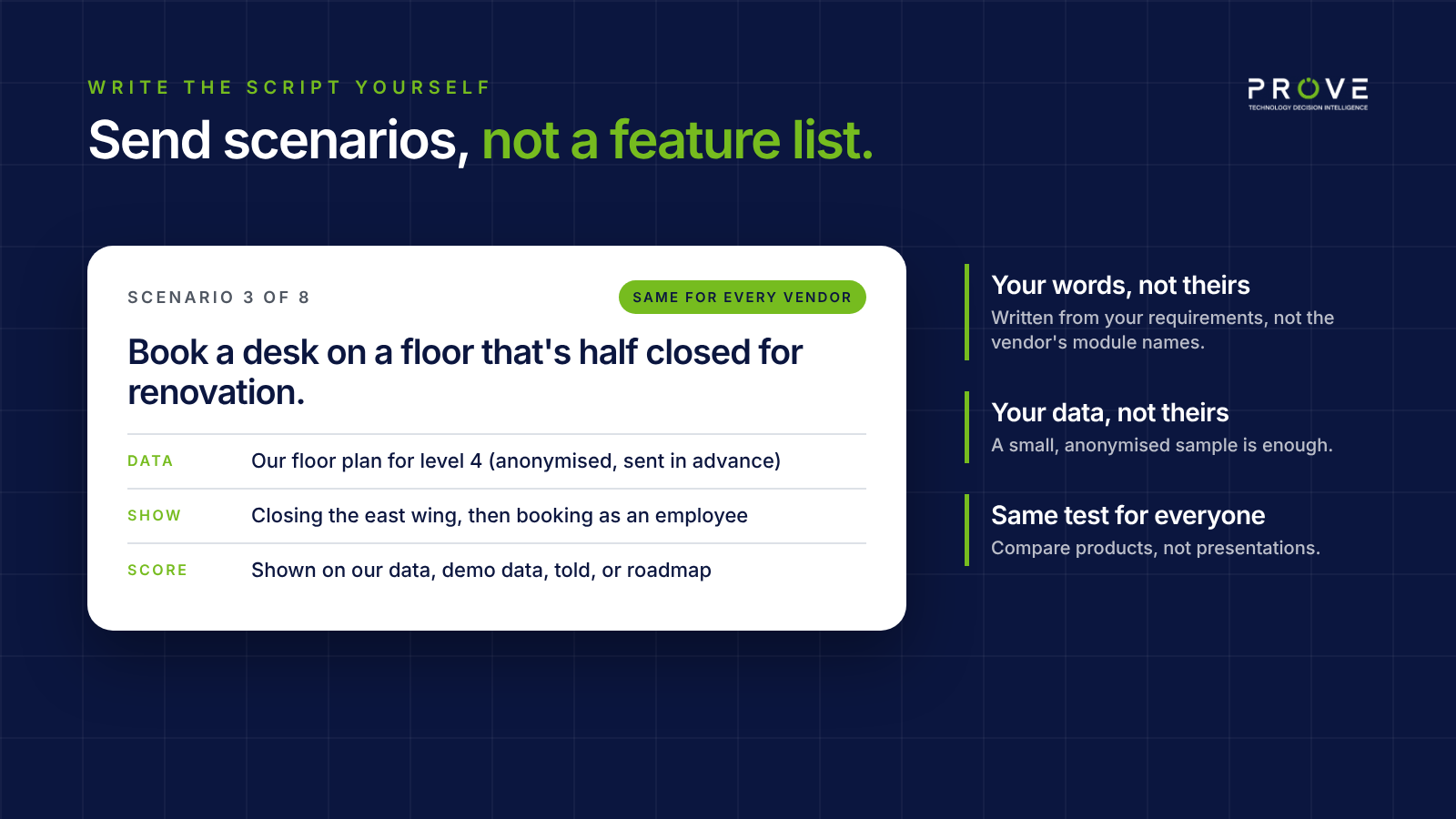
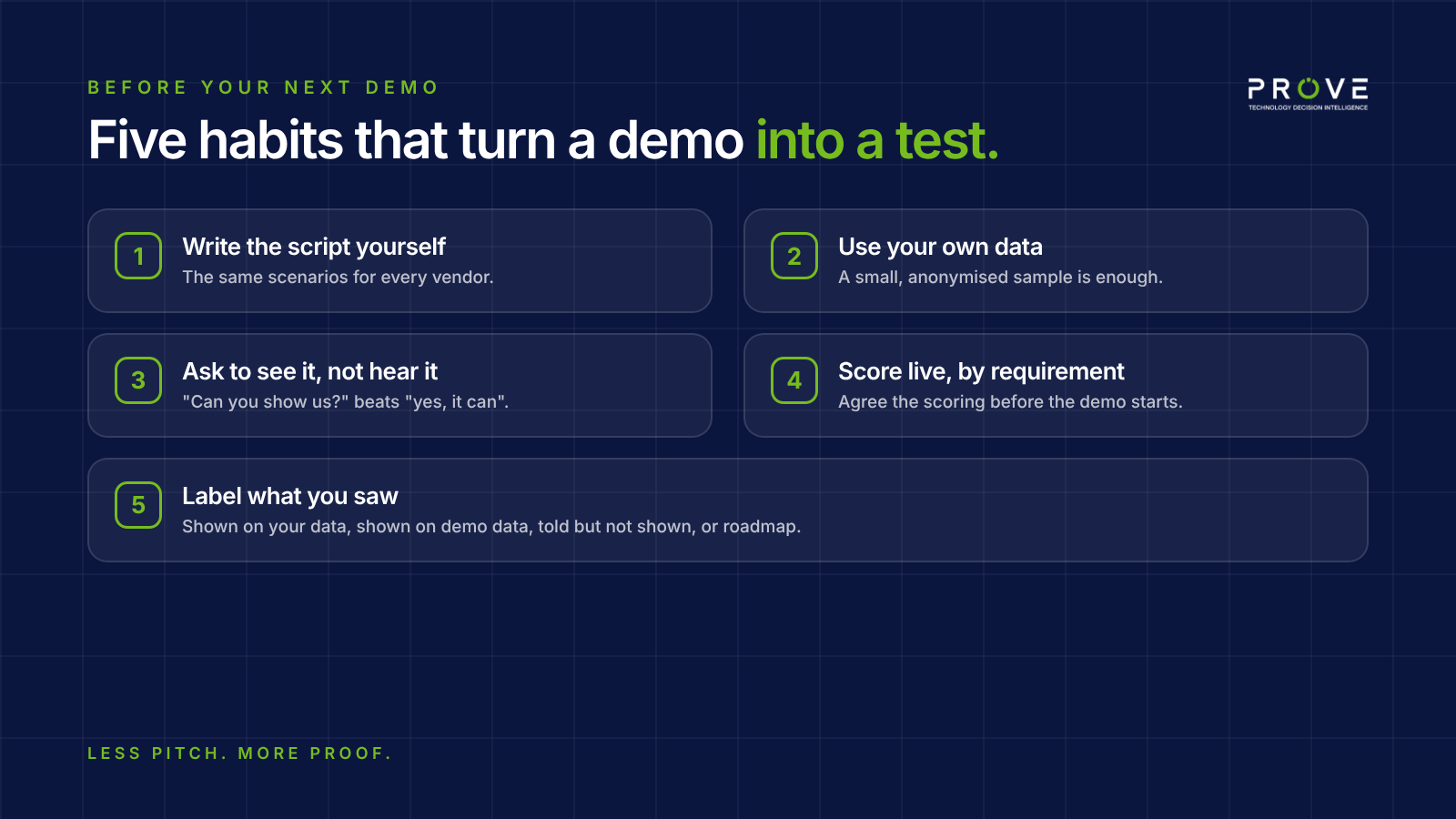
Write the script yourself. Send every vendor the same scenarios in advance, written from your own requirements. Not "show us your space module", but "show us how a team books a desk on a floor that's half closed for renovation".
Use your own data. Share a small, anonymised sample: a floor plan, a slice of the asset register, a handful of real work orders. Ask to see it in the product.
Ask to see it, not hear it. When the answer is "yes, it can do that", follow up with "can you show us?" If it can't be shown today, note that.
Score it live, by requirement. Agree the scoring before the demo. During the session, record per scenario what you actually saw.
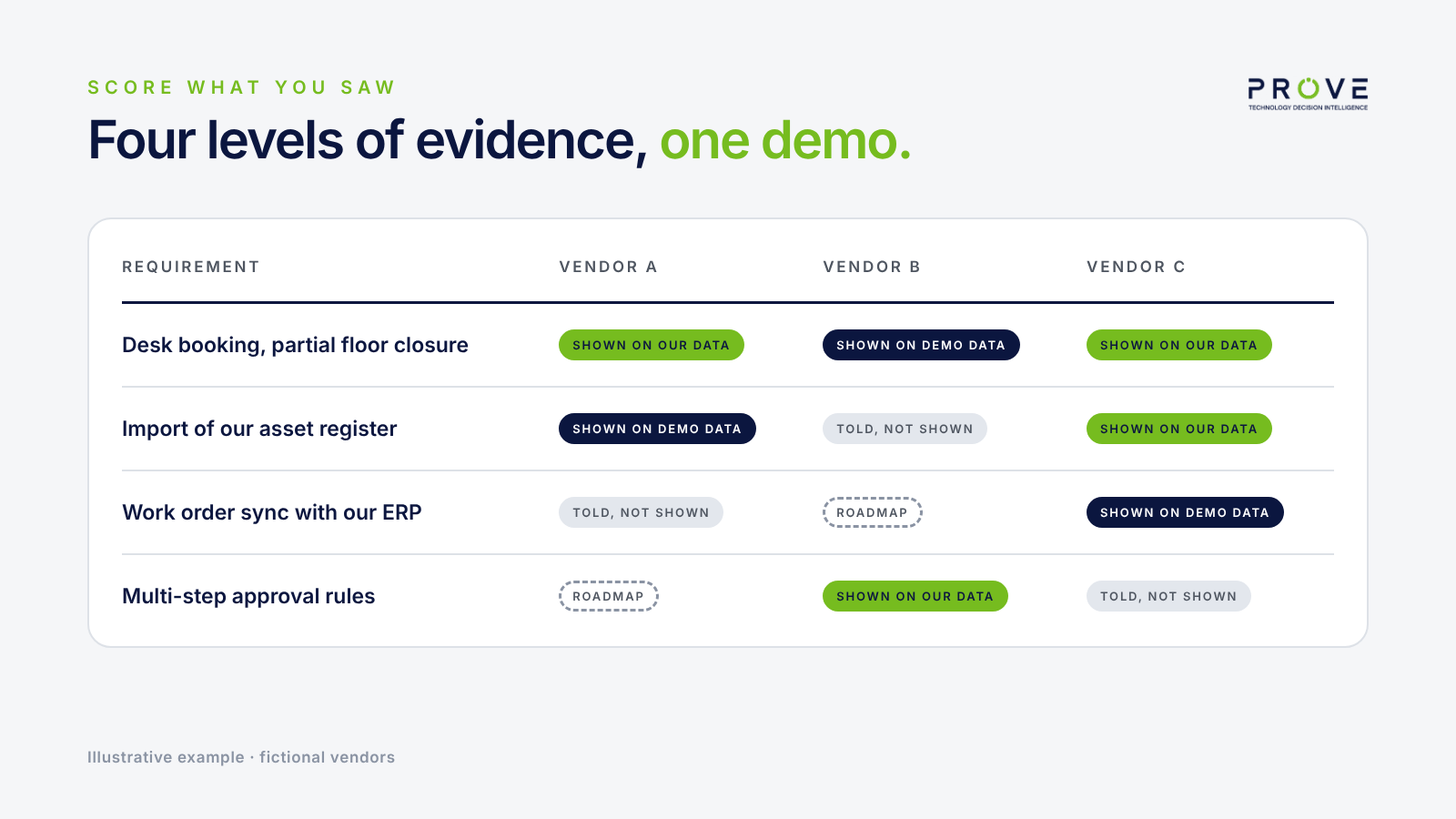
Label what you saw. For each requirement, write down which of four things happened: shown live on your data, shown on demo data, told but not shown, or promised for a future release. They're four very different levels of evidence.
What a buyer-led demo looks like
A buyer-led demo feels different. It's slower, and sometimes less polished. The presenter may need to configure something, or come back with an answer later.
That's the point. You're no longer watching a performance. You're testing a product against your situation, and every vendor gets the same test.
It's also fairer to vendors. A product that handles your scenario well gets the credit it deserves, instead of being compared with a competitor's smoother presentation.
Before your next demo
Ask yourself three questions:
- Did we write the scenarios, or did the vendor?
- Will the vendor use our data, or theirs?
- How will we record the difference between what we saw and what we were told?
If the answers are "the vendor", "theirs" and "we'll remember", you're about to watch a performance.
Less pitch. More proof.
Prove TDI helps workplace, property and facilities teams compare vendors against their own requirements, with every statement labelled by what backs it. A capability shown live on your data and a capability promised for a future release never look the same.
See how it works at provetdi.com.
Originally published on LinkedIn.